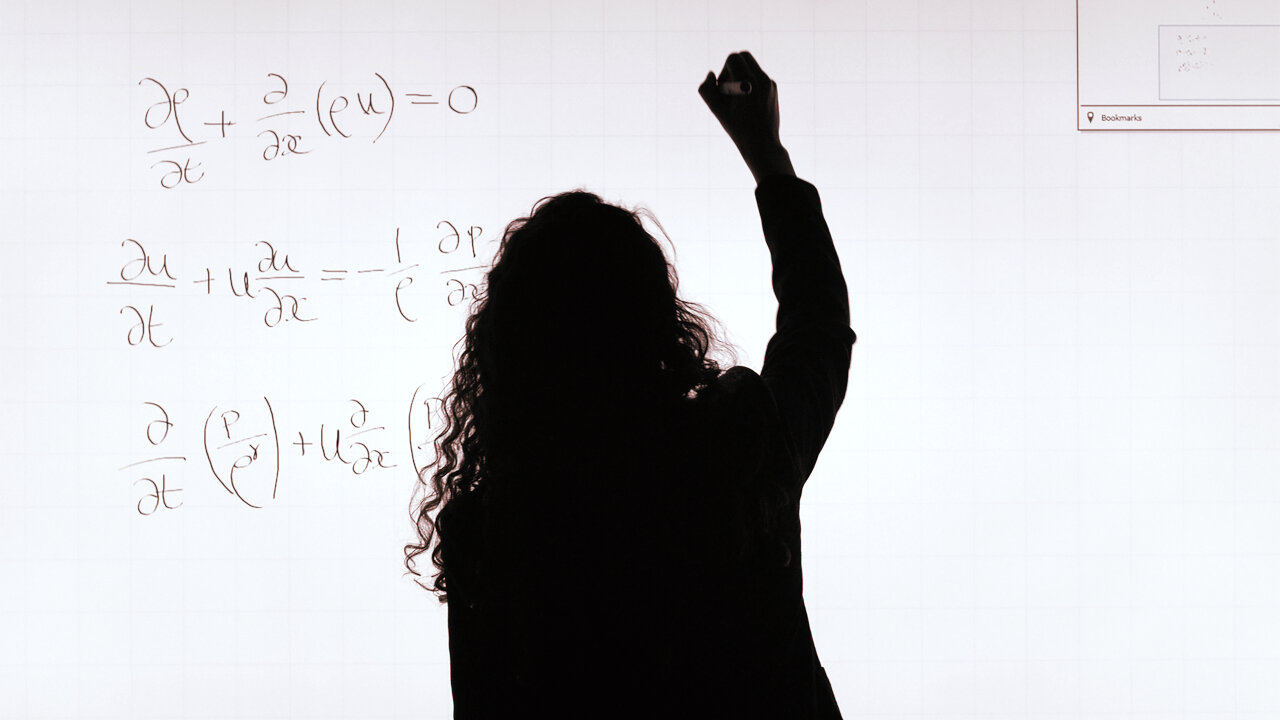
We have spent the last two years staring at a blinking cursor in a chat bubble. It was a revolutionary interface at first because it felt human, but for anyone actually trying to build a product or write a codebase, the back-and-forth scroll has become a major bottleneck. OpenAI seems to have realized that the chat window is where productivity goes to die. Their latest update introduces a dedicated visual workspace, moving away from the stream-of-consciousness thread and toward something that looks a lot more like a collaborative IDE or a document editor.
The Death of the Infinite Scroll
The core problem with the legacy ChatGPT interface is linear thinking. If you are working on a 500-line script and ask for a change on line 40, the model spits out the entire script again. You copy, you paste, you check for errors, and you repeat. It is a workflow built for conversation, not for construction. By introducing a side-by-side canvas, OpenAI is acknowledging that LLMs are no longer just chatbots; they are engines for production.
For builders, this is a long-overdue shift. This new interface allows the AI to highlight specific sections of work, suggest edits in context, and maintain a persistent view of the project while the conversation continues in a separate pane. It is a subtle change in UX that signals a massive change in how OpenAI views its own product. They are moving out of the playground and into the office.
Why Builders Should Care
If you are a founder or a developer, this update matters because it reduces the cognitive load of context switching. When you can see your code or your technical documentation on one side and your prompts on the other, you are less likely to lose the thread of what you are building. It also suggests that OpenAI is tired of losing users to specialized tools like Cursor or specialized writing environments. They want to be the OS where the work actually happens, not just the brain you query from the outside.
- Real-time iteration: You can now adjust specific parts of a visual or text output without refreshing the entire context.
- Contextual awareness: The AI can see the whole document while you talk about specific parts, reducing the hallucinations that happen when models lose track of long chat histories.
- Visual feedback: For those working on frontend components or data visualizations, seeing the output rendered in a dedicated space changes the feedback loop entirely.
The Skeptic's Corner
As much as I like the move toward a more professional workspace, we have to look at what this means for the ecosystem. Every time OpenAI absorbs a feature that used to require a third-party plugin or a separate SaaS tool, a few more startups lose their moat. If ChatGPT becomes a viable place to build a full application interface or a complex technical manual, the "wrapper" startups that simply provided a better UI for GPT-4 are in serious trouble.
There is also the question of bloat. One of the reasons ChatGPT took off was its radical simplicity. You typed, it answered. By adding canvases, windows, and interactive elements, OpenAI risks turning a clean tool into a cluttered mess. Founders should watch closely to see if this improves speed or if it just adds more buttons to click before you get to the actual value.
The Founder Perspective
My advice to builders is to stop thinking about LLMs as something you "talk" to and start thinking about them as something you "work with" in a shared space. This UI update is the first step toward a future where the AI isn't just generating text, but is an active participant in a shared digital canvas. If you are building tools right now, ask yourself: how does your UI handle the collaboration between a human and an agent? If you are still relying on a simple chat box, you are already behind.
The interface is the bottleneck. The intelligence of these models has scaled faster than our ability to interact with them effectively. This visual shift is the first real attempt to bridge that gap.
We are seeing a transition from generative AI as a novelty to generative AI as a utility. A utility needs a dashboard, not just a search bar. While this update might seem like a cosmetic change to the average user, for those of us in the trenches building products, it represents a fundamental shift in the ergonomics of AI-assisted development.
What is Next?
Expect to see more interactivity. This isn't just about looking at a document; it is about the AI being able to run code in that side window, previewing changes in real-time, and perhaps eventually, deploying those changes directly. The "canvas" is just the beginning of a move toward a fully integrated development and creation environment.
For now, keep your eyes on the workflow. Tools that make us faster will always win over tools that are just "smart." OpenAI is finally betting on speed and usability over just pure model benchmarks. It is about time.
Read the original at TechCrunch AI →